
OpenAI-Compatible API
Tokeness exposes an OpenAI-compatible API. Most SDKs, chat clients, and automation tools that support a custom OpenAI Base URL can connect to Tokeness.
Configuration
txt
Base URL: https://n.tokeness.io/v1
API Key: your Tokeness API key
Install the SDK
bash
npm install openaibash
pip install openaiNode.js
Create test-tokeness.mjs and replace YOUR_TOKENESS_API_KEY and YOUR_MODEL_NAME with your own values.
ts
import OpenAI from 'openai'

const client = new OpenAI({
  apiKey: 'YOUR_TOKENESS_API_KEY',
  baseURL: 'https://n.tokeness.io/v1'
})

const completion = await client.chat.completions.create({
  model: 'YOUR_MODEL_NAME',
  messages: [
    { role: 'system', content: 'You are a concise assistant.' },
    { role: 'user', content: 'Say hello from Tokeness.' }
  ]
})

console.log(completion.choices[0]?.message?.content)
Run:
bash
node test-tokeness.mjsPython
Create test_tokeness.py and replace YOUR_TOKENESS_API_KEY and YOUR_MODEL_NAME with your own values.
py
from openai import OpenAI

client = OpenAI(
    api_key="YOUR_TOKENESS_API_KEY",
    base_url="https://n.tokeness.io/v1",
)

response = client.chat.completions.create(
    model="YOUR_MODEL_NAME",
    messages=[
        {"role": "user", "content": "Say hello from Tokeness."}
    ],
)

print(response.choices[0].message.content)
cURL
bash
curl https://n.tokeness.io/v1/chat/completions \
  -H "Authorization: Bearer $TOKENESS_API_KEY" \
  -H "Content-Type: application/json" \
  -d '{
    "model": "YOUR_MODEL_NAME",
    "messages": [
      { "role": "user", "content": "Say hello from Tokeness." }
    ]
  }'
Model names
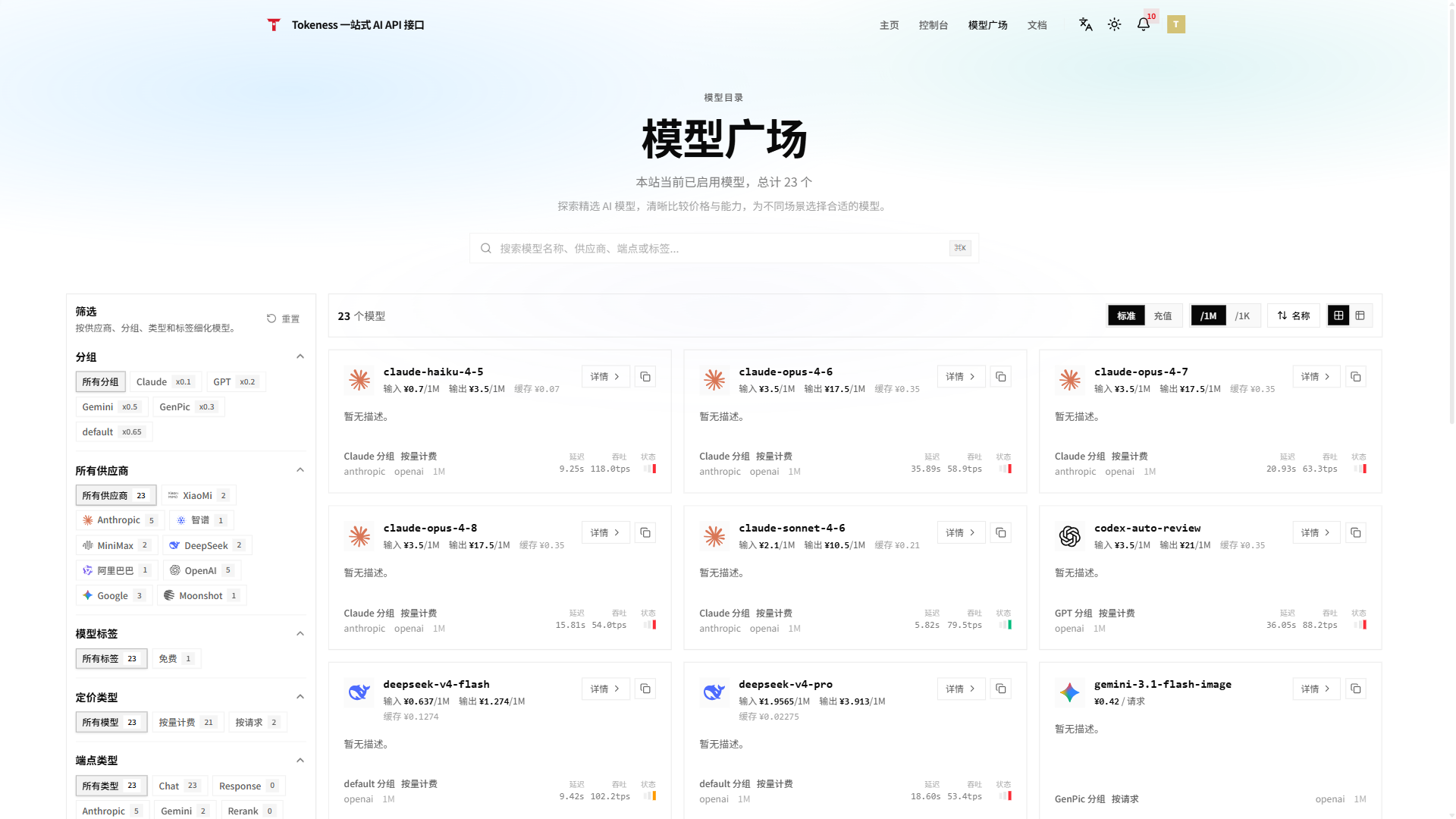
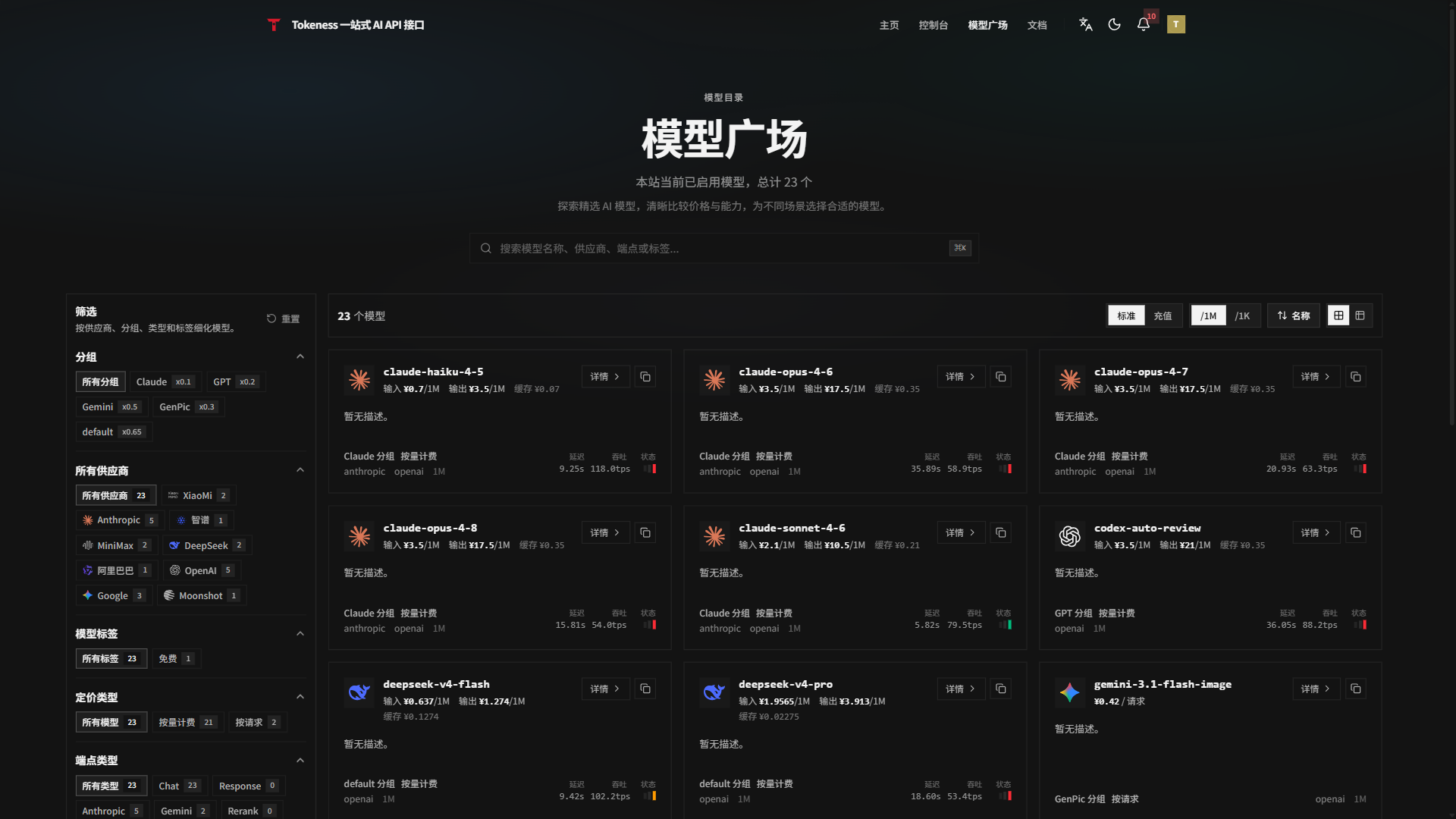
Model names come from the model marketplace in the Tokeness console or from the API response. When copying a model name, keep the exact casing, hyphens, and version number.
For your first connection, copy an available model name from the model marketplace, then return to the example and replace YOUR_MODEL_NAME.
Common errors
| Symptom | Possible cause |
|---|---|
| 401 or auth failure | Wrong key, key disabled, or Bearer missing from the request header |
| Insufficient balance | Wallet balance too low or key quota exhausted |
| Model does not exist | Model name misspelled, or the model is not available in the current group |
| Bad request format | Non-OpenAI-compatible format used, or Base URL is missing /v1 |