
API Keys
API keys are the credentials for calling Tokeness. Each key should have a clear purpose; avoid sharing one key across multiple projects.
Create a Key
- Sign in to tokeness.ai.
- Open "API Keys" in the left navigation of the console.
- Click create or add a key.
- Fill in the name, quota, group, or model scope.
- Save the key immediately after creation.
Before connecting to production workloads, you can create two keys first:
| Scenario | Configuration |
|---|---|
| Testing | Small quota, easy to trial and error |
| Production | Separate key, avoid mixing with testing |
Security Reminder
API keys are sensitive credentials. Never write keys into frontend code, public repositories, screenshots, ticket images, or group chat messages.
List Fields
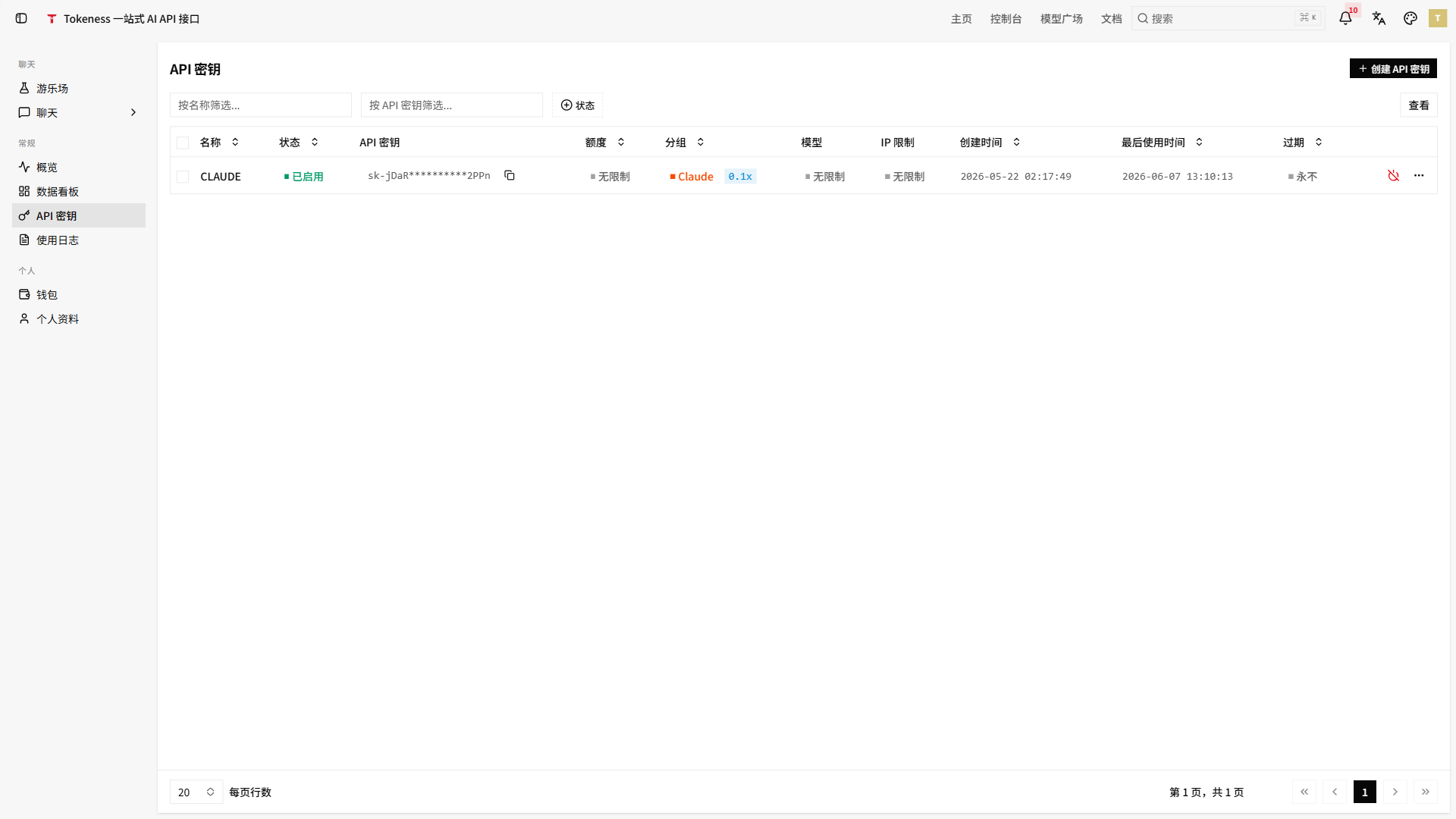
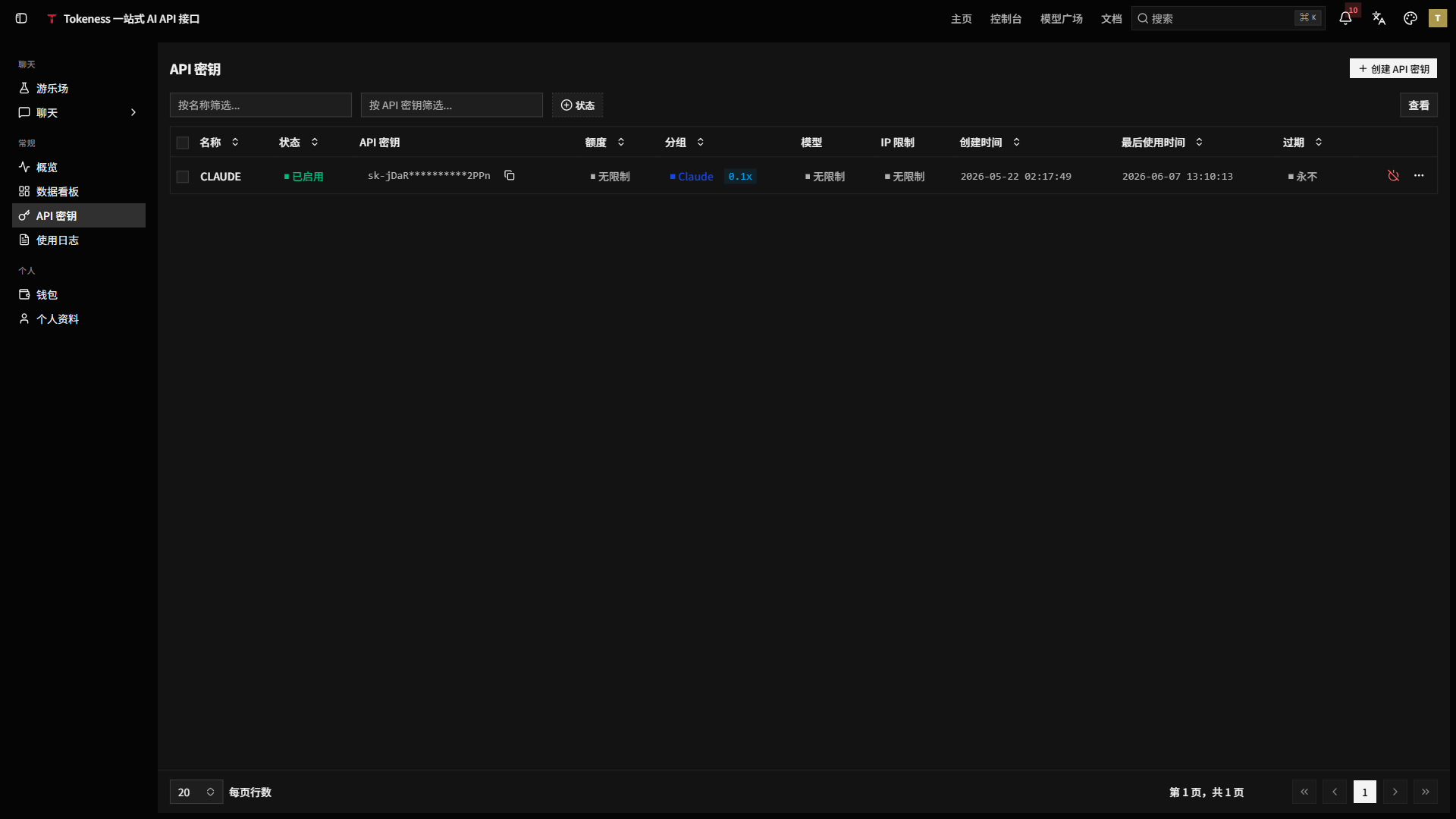
The API Keys page shows the main management info for each key:
| Field | Description |
|---|---|
| Name | Key purpose name, e.g. development, production, or a specific customer |
| Status | Whether the key is enabled |
| API Key | Masked key, used to confirm the right credential is selected |
| Quota | Current key quota limit |
| Group | Model or billing group the key belongs to |
| Models | Available model scope for the current key |
| IP Restriction | Whether calling source IPs are restricted |
| Created At | Key creation time |
| Last Used | Most recent call time |
| Expiry | Key expiry policy |
Naming Conventions
| Scenario | Example key name |
|---|---|
| Local development | dev-local |
| Production service | prod-api-gateway |
| Customer project | client-acme-prod |
| Automation task | n8n-workflows |
Quota Strategy
Set a small quota for development and test keys. Set limits on production keys based on business volume. In channel or multi-customer scenarios, use a separate key for each customer to track consumption.
Rotate Keys
When a key is leaked, a team member leaves, a project is handed off, or an environment is migrated, create a new key and replace the old configuration. After confirming the new key works, disable the old key.
Environment Variables
Server-side projects use environment variables to store keys:
TOKENESS_API_KEY=sk-...
TOKENESS_BASE_URL=https://n.tokeness.dev/v1
Do not commit .env files to Git repositories.