
Dashboard Overview
The Tokeness console is used to manage models, keys, logs, and balance. After signing in, the overview page is shown by default.
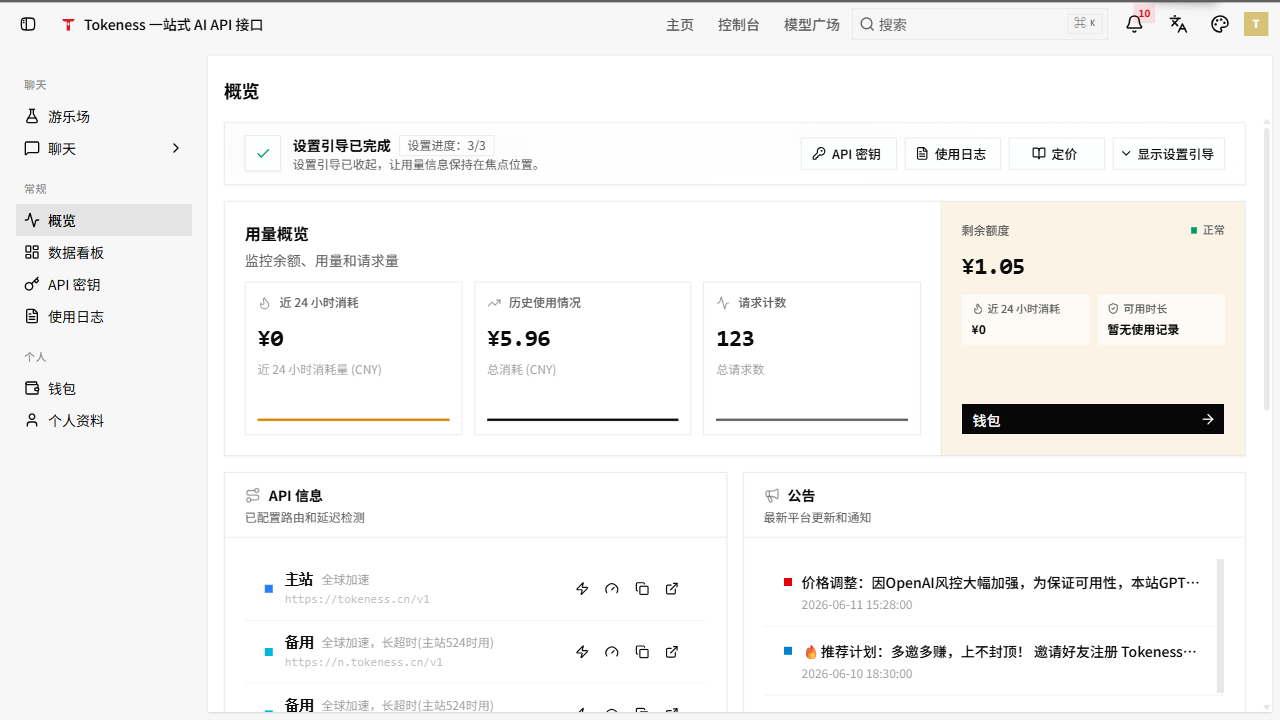
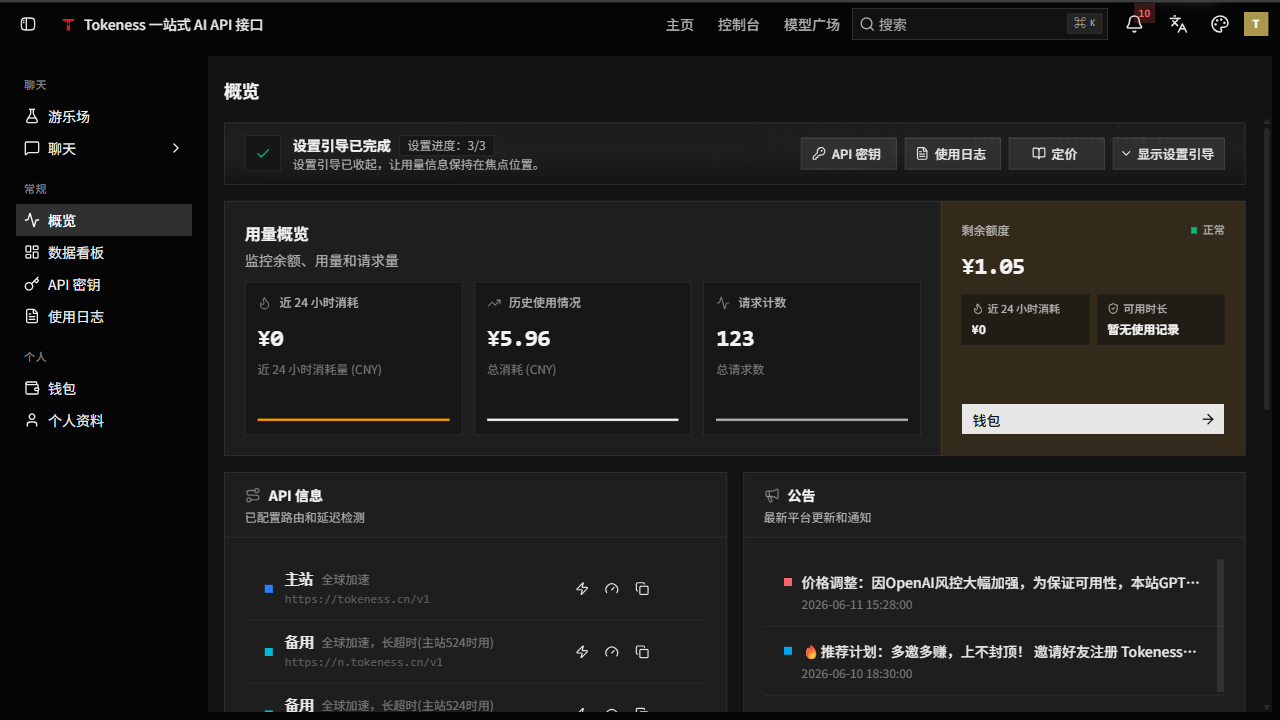
Navigation Structure
The main console entries are:
| Group | Page | Purpose |
|---|---|---|
| Chat | Playground | Test model responses |
| Chat | Chat | Chat directly in the web page |
| General | Overview | View account and call overview info |
| General | Model Marketplace | View available models and copy model names |
| General | Dashboard | View model, call, and consumption data |
| General | API Keys | Create and manage API call keys |
| General | Usage Logs | Troubleshoot requests, models, status, and costs |
| Personal | Wallet | Top up, balance, and billing entry |
| Personal | Profile | Manage account info |
Operation Order
- Top up in "Wallet".
- Create independent keys for projects in "API Keys".
- Confirm the model names to call in "Model Marketplace".
- Configure
https://n.tokeness.dev/v1in the client or code. - Check whether calls succeed in "Usage Logs" and "Dashboard".
Search and Troubleshooting
The top search bar can locate feature entries. When a call fails, troubleshoot in the following order:
| Check | Details |
|---|---|
| Key | Whether copied completely, disabled, or quota exhausted |
| Balance | Whether wallet balance is enough to cover this call |
| Model | Whether the model name is correct and supported by the current group |
| Request format | Whether using OpenAI-compatible format and correct Base URL |
| Logs | Whether usage logs show status codes, error causes, or upstream responses |