
Getting Started
Follow this page to complete one minimal API call. The order is: sign in, top up, create an API key, copy a model name, and make a test request.
Before You Begin
Confirm the following before starting:
| Item | Check |
|---|---|
| Tokeness account | Registered and signed in to tokeness.io |
| Balance | Top up a small test balance first |
| Model name | Copy one available model name from the model marketplace |
| Test method | Pick one: client, Node.js, Python, or cURL |
If you plan to test directly with code:
| Language | Install |
|---|---|
| Node.js | npm install openai |
| Python | pip install openai |
1. Sign In to Tokeness
Open tokeness.io and click "Sign In" in the top right. When already signed in, you will go straight to the console.
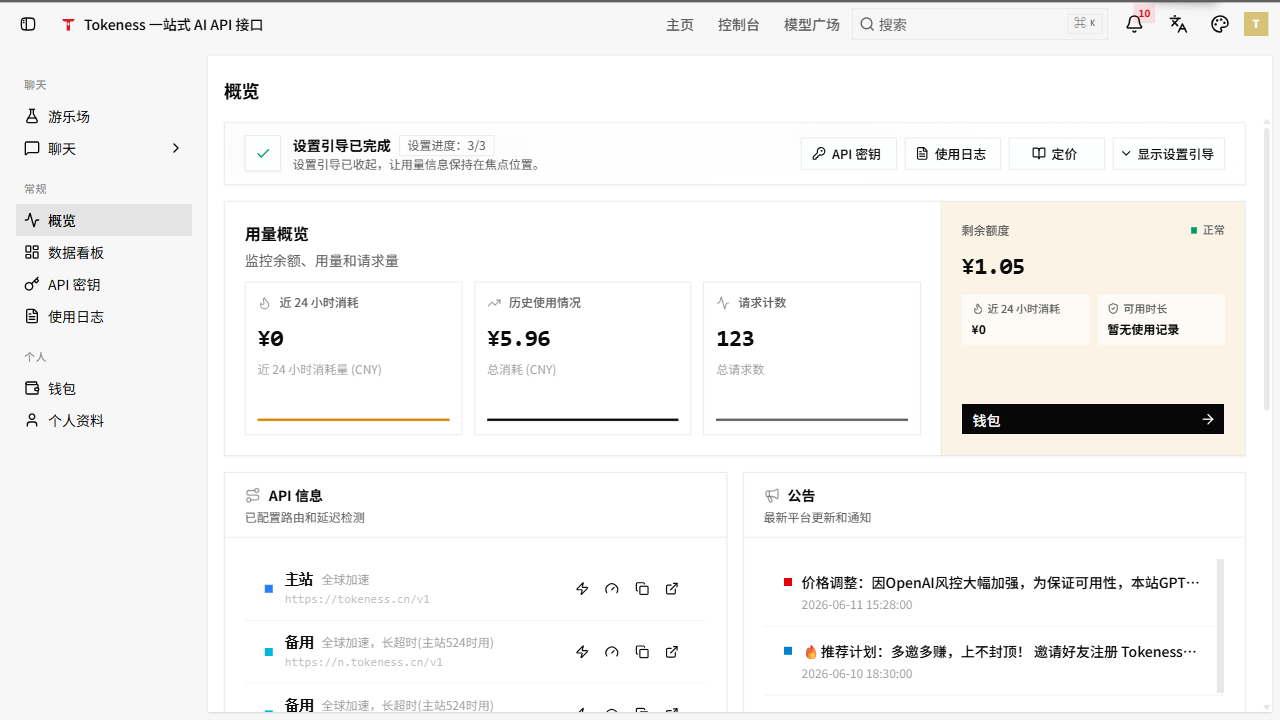
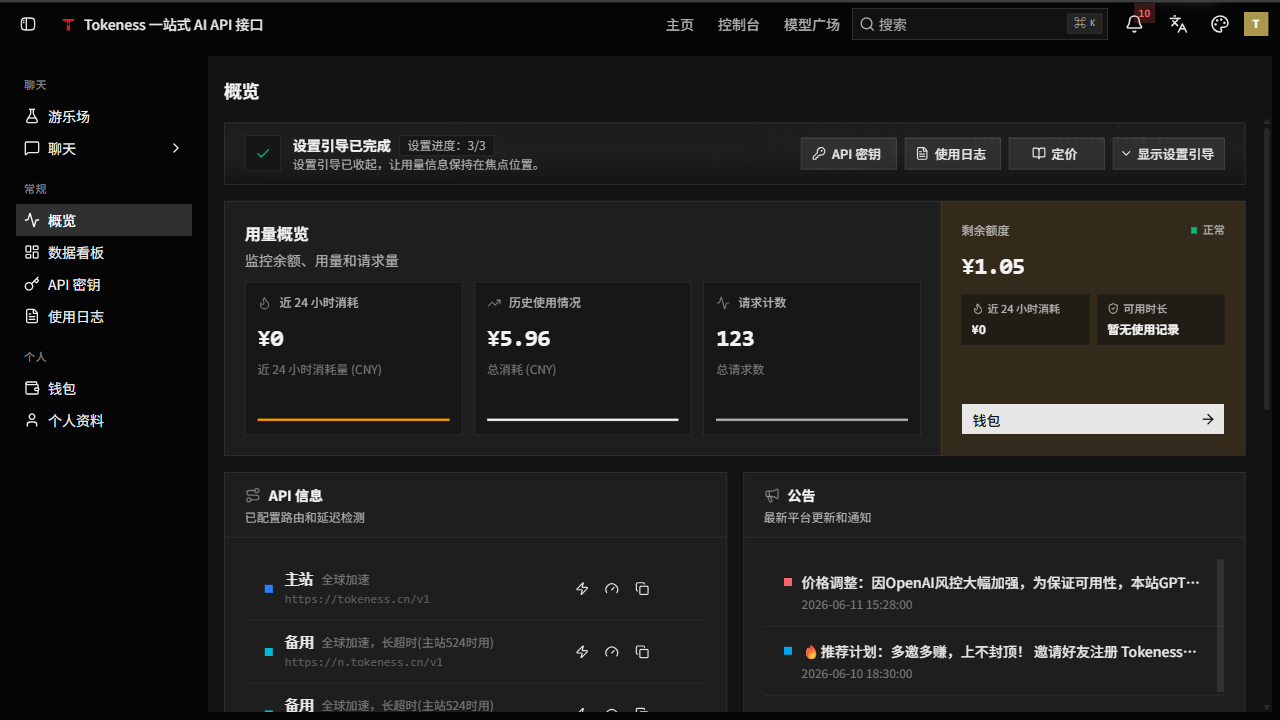
If this is your first time, register an account first. The email is used for sign-in, password recovery, and notifications.
2. Top Up Balance
After entering the console, open the "Wallet" page to top up. Tokeness uses a prepaid model; API calls are deducted from your balance.
Check before topping up:
| Item | Check |
|---|---|
| Top-up account | Confirm you are signed in to the Tokeness account that will use the API |
| Top-up amount | Top up a small test amount first, then scale up based on your workload |
| Payment popup | If the browser blocks popups, allow Tokeness to open the payment page |
3. Create an API Key
In the left navigation, go to "API Keys" and create a new key.
Split keys by project:
| Scenario | Configuration |
|---|---|
| Development and testing | Separate key, small quota, easy to disable |
| Production service | Separate key, set clear quota and model scope |
| Customer project | One key per customer or project, for tracking consumption |
Save the key immediately after creation. For security reasons, the documentation does not show screenshots of the real key page, and you should never share keys with untrusted parties.
4. Copy a Model Name and Configure the Base URL
Open the "Model Marketplace" and copy the model name you want to use. Copy the full model name exactly, preserving case, hyphens, and version numbers.
Endpoint address:
Common configuration:
Base URL: https://n.tokeness.io/v1
API Key: your Tokeness API key
Model ID: model name copied from the model marketplace
If a client splits the field into "Base URL / Endpoint / Service URL", put https://n.tokeness.io/v1 in all of them.
https://n.tokeness.io/v15. Make a Test Request
Below is a minimal Node.js example. Create test-tokeness.mjs first, then replace YOUR_TOKENESS_API_KEY and YOUR_MODEL_NAME with your own values.
import OpenAI from 'openai'

const client = new OpenAI({
  apiKey: 'YOUR_TOKENESS_API_KEY',
  baseURL: 'https://n.tokeness.io/v1'
})

const response = await client.chat.completions.create({
  model: 'YOUR_MODEL_NAME',
  messages: [{ role: 'user', content: 'Introduce Tokeness in one sentence.' }]
})

console.log(response.choices[0]?.message?.content)
Run:
npm install openai
node test-tokeness.mjs
If the call fails, check four things first: whether the key was copied completely, whether the account balance is sufficient, whether the model name matches the model marketplace, and whether the Base URL is https://n.tokeness.io/v1.